

Get started
Signing up to casuro.ai takes seconds. Sign in via email or SSO, create your organization, and you’re ready to go.
Create an account
The first step to use casuro.ai is creating an account. Click the “Go to app” button at the top right hand corner of the opening page to get started. You have three sign-in options:- Continue with Google
- Continue with Email
- Continue with SSO / SAML Enterprise Plan
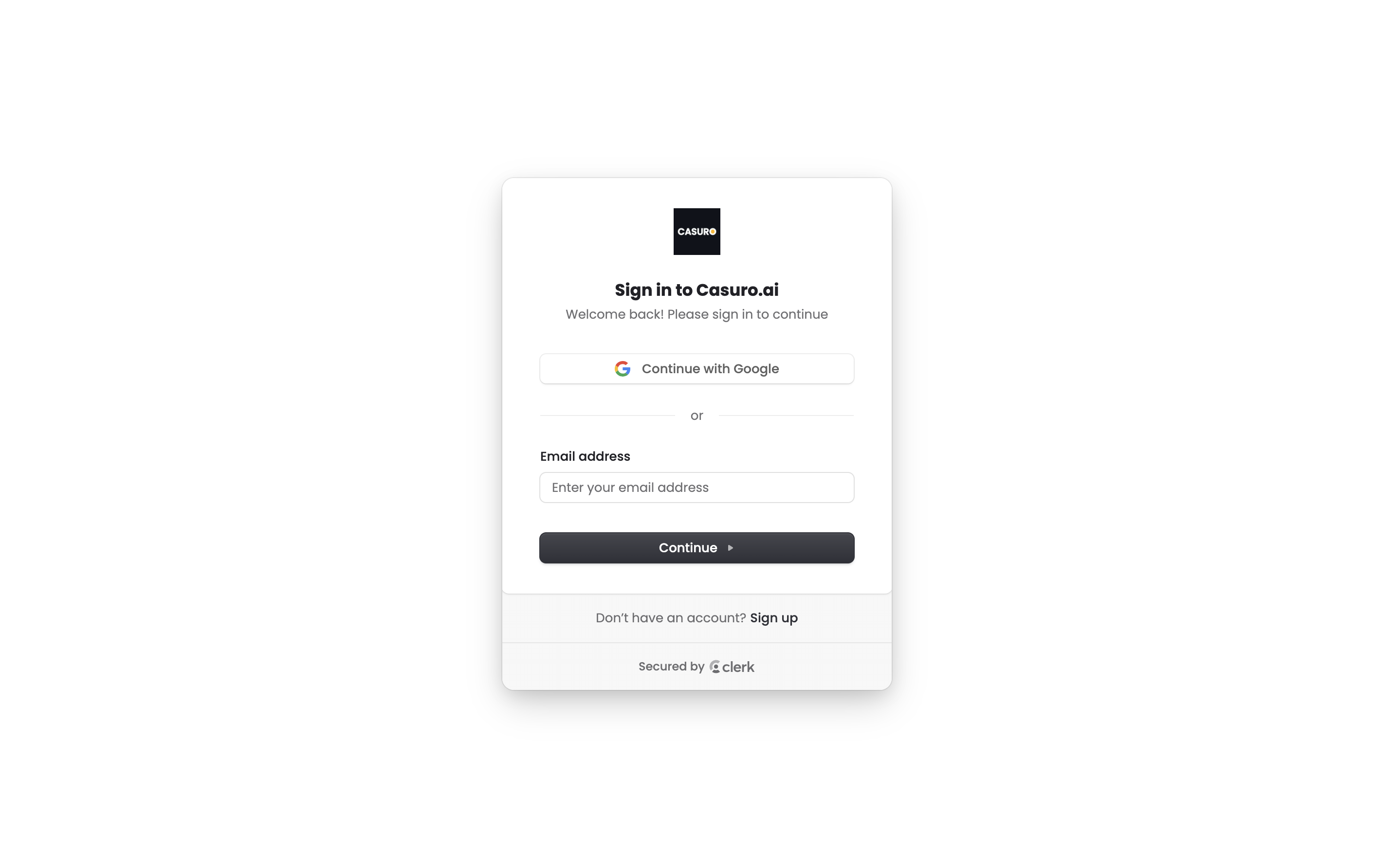
SSO / SAML is available on the enterprise plan. Please reach out to [email protected] to get it set up.
Create your organization
After you sign in, you’ll be asked to create an organization name if you are the first user in your organization to sign up. If not, you will be provided with the detailed instructions to contact your organization admin to grant you necessary permissions. This name is for internal use only. Most customers use their company or team name (for example, Pied Piper or Pied Piper Recruiting).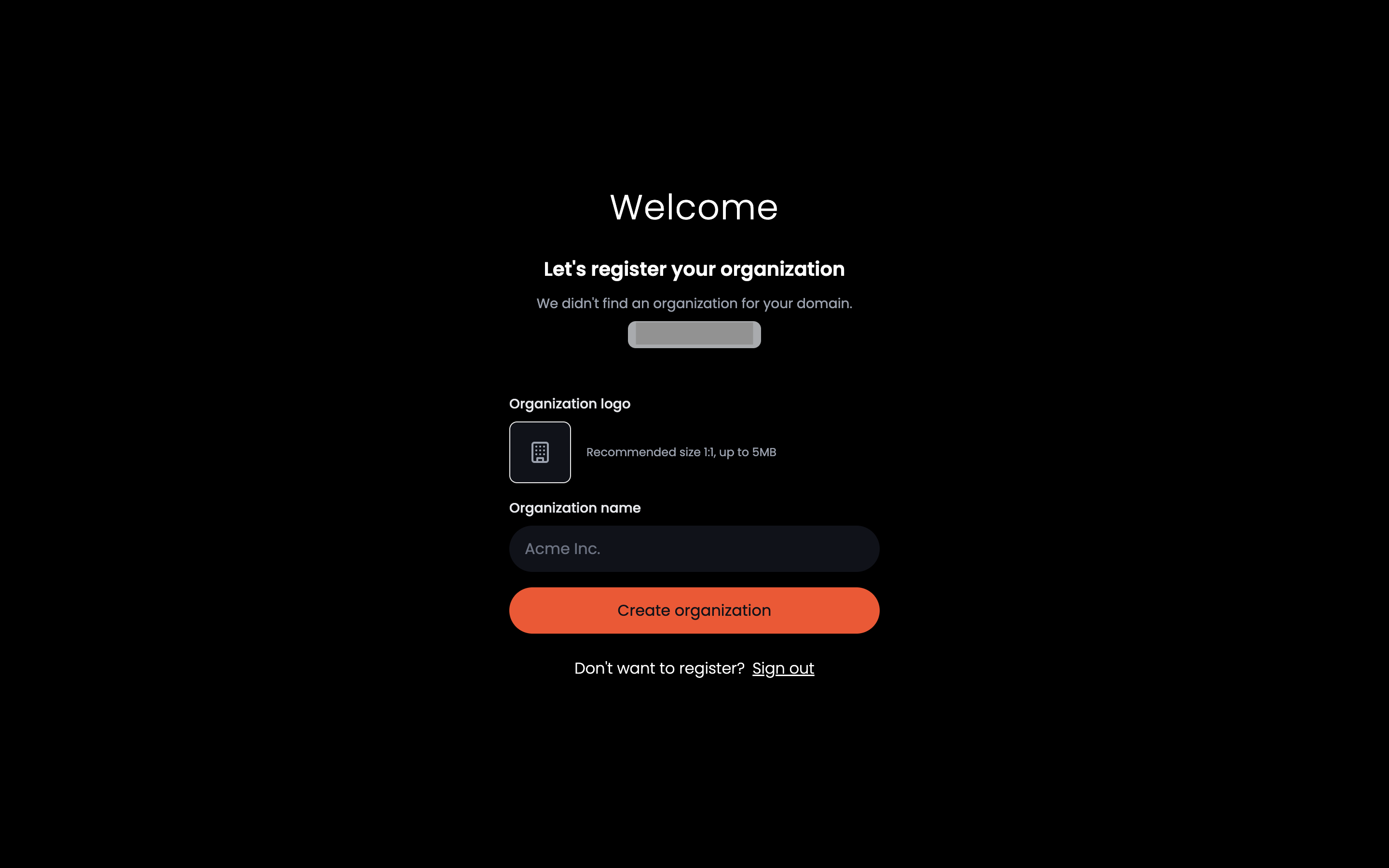
That’s it! You’re ready to hire
After creating or joining your organization, you will taken to casuro.ai app where you will be greeted by an hands on tour to get you started.Next steps
Now that you are in the app, let’s explore some key features and workflows:Overview of casuro.ai easy to use platform
Learn about casuro.ai core features and its components in just 2 minutes.
Need help? Reach out to us at [email protected] or join our slack community.